A pantry meal planner that starts with the food you already have
A pantry meal planner works backwards from every other kind. Instead of picking seven recipes and handing you the shopping list they imply, PrepWise starts from the food already on your shelf and works out what that adds up to this week.
The difference shows up on a Wednesday. A plan built from recipes needs a full shop before step one. A plan built from your kitchen needs four things from the corner shop and gets dinner cooked.
iPhone only, iOS 15.1 or later. Free to download.
The plan is checked against your kitchen, not written beside it
Most planners start from a recipe catalogue and work forwards. You choose, the app totals up the ingredients, and the list it produces assumes your kitchen is empty. It is a shopping app with a calendar attached.
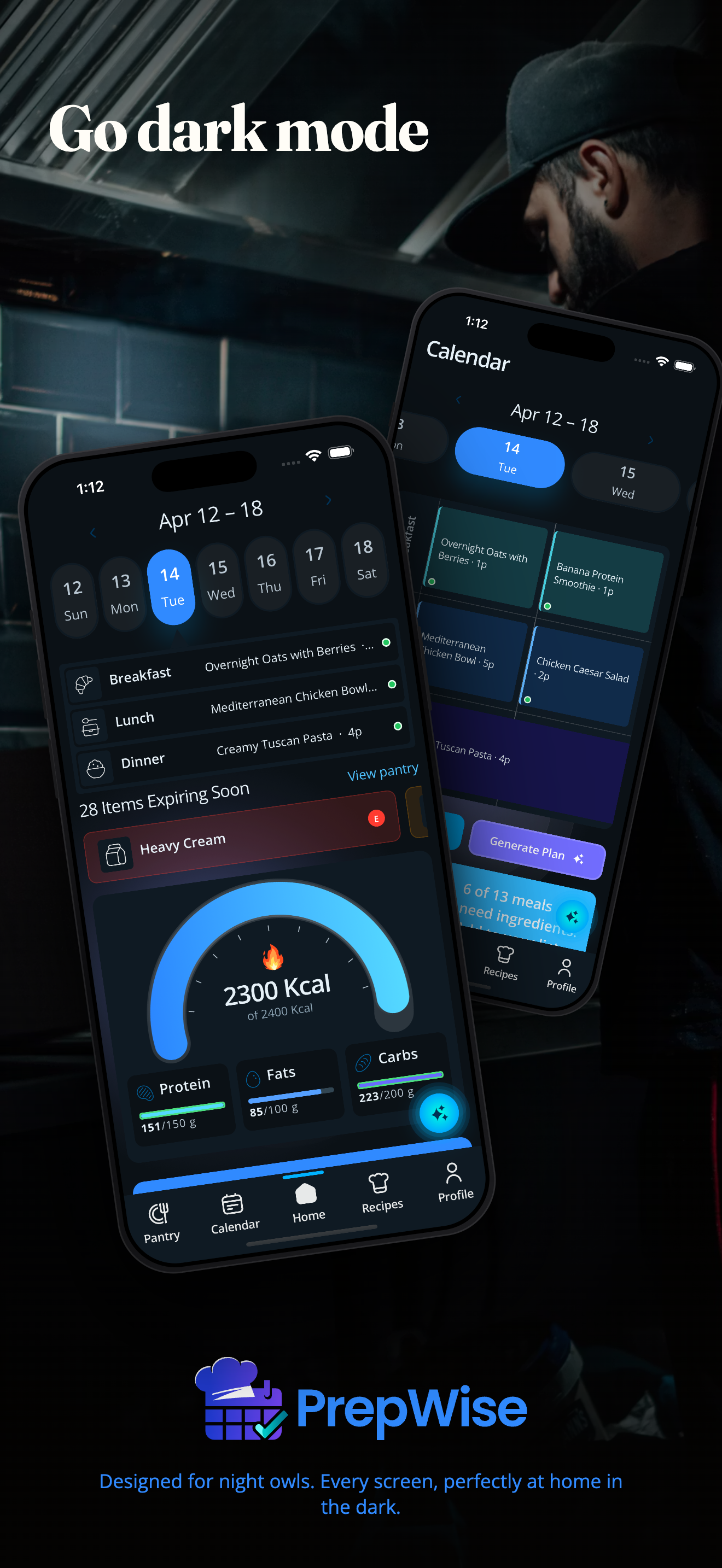
PrepWise runs the other direction. Your pantry is what every recipe gets measured against, so a recipe is green when you can cook it right now and tells you which two things are short when you cannot. Plan a meal and it reserves what that meal needs.
That last part is what makes a week survive contact with Tuesday. Thursday's traybake cannot quietly claim the chicken thighs Tuesday already spent, so a plan that looks fine on paper is one you can actually cook. A plain list of seven recipes has no way to know it counted the same chicken twice.
What a week planned from your pantry actually looks like
The method is the same one that works on paper, which is worth knowing before you decide an app is the answer. It runs in this order, and the order is the whole thing:
- Take stock of what is there, with rough quantities
- Push anything fresh, opened, or near its date to the top
- Pick two anchors, ingredients you have a lot of that several meals can hang off
- Fill the week in clock order, short-lived food first
- Write the shopping list last, from whatever the plan is still missing
Sorting by the clock is what stops food going off
Once you can see everything you own, the useful ordering is time, not food group. Opened dairy, fresh herbs, and a bag of salad are on a short clock. Root vegetables and eggs have longer. Tins barely have one.
Put the short-clock food into Monday and Tuesday and the long-clock food later, and most household waste stops happening on its own, because the food goes into a meal before it goes off. No one has to track a percentage for that to work.
Two anchors is the number that makes the rest cheap. Chicken thighs and a bag of rice cover a traybake, a fried rice, and a soup, and the three share one shop instead of needing three. One anchor and you eat the same dinner four nights running. Three and you are back to a shopping list. The five-step method goes through this properly, including how to do the first stock-take without losing an afternoon.
The shopping list is the gap between the week and the shelf
Because the plan already knows what you own, the list writes itself by subtraction: everything the week needs, minus everything the kitchen already holds. It is normally much shorter than people expect, and that is the point rather than a side effect.
It also kills the duplicate buy, which is the most expensive habit in a kitchen. Nobody buys a third jar of cumin deliberately. They buy it because the list came from recipes and the cupboard was never consulted. More on how that list is built on the shopping list page.
The stock-take is the part that has to stay cheap
Every pantry-first system dies the same way. The first stock-take goes fine, nobody updates it, and two weeks later the list is fiction. A plan built on a list you have stopped believing is worse than no plan.
So getting food in has to cost almost nothing. Photograph a grocery receipt and the shelf updates from it. Add things by hand in a few seconds. Quantities can be rough, because "most of a bag of rice" is a useful entry and "rice" is not. After that the maintenance is only the moment food moves: in from a shop, out into a meal you cooked. The pantry tracker page covers the inventory side in more detail.
You notice quickly when it drifts, too, because the recipes go wrong with it. That is the one advantage a planner has over a notebook: the list has a job, so being wrong is visible.
What it costs, and what you get without paying
PrepWise is free to download, and planning is not the part behind the paywall. The free tier holds 15 saved recipes and 20 assistant messages a day.
Pro is $6.99 a month or $39.99 a year, with a 7-day trial. iPhone only, iOS 15.1 or later. If you want the macro side of the week as well, that is on the macro meal planner page.
When a pantry meal planner is the wrong tool
If you cook the same five meals on rotation and you are happy about it, you already have a plan and a stable list. Nothing here improves on that.
If you shop daily for that evening, this trades a little admin for fewer trips, and you would be giving up the trips you like to save something you do not want.
It also needs a kitchen you control. In a shared house where food arrives and disappears without a rule, the stock-take is unreliable, and an unreliable stock-take makes the plan worse rather than better.
And it is iPhone only. There is no Android build.
Frequently asked questions
Do I have to enter my whole pantry before I can plan anything?
No. Start with the things you actually cook with and plan around those. Receipts fill in the rest as you shop, so the record builds itself over the first couple of weeks instead of in one long sitting.
Can it plan a week using only what I already have?
That is the default. PrepWise builds the week from your pantry first and then shows you what is still missing, so you can decide whether to shop for the gap or swap the meal for something you can already cook.
What happens when the plan and the pantry disagree?
Trust the shelf and change the plan. A plan is a prediction and the pantry is a fact. Fix the record as soon as you notice, because a stock-take you have stopped believing is one you have stopped using.
Is this different from a pantry inventory app?
An inventory tells you what you own. A planner decides what you eat and reserves the ingredients so two meals cannot claim the same food. PrepWise does both, and the inventory exists so the planning has something true to work from.
More answers on the PrepWise FAQ.
Also on PrepWise
- Meal prep app
Plan a week of meals around what is already on your shelf, then shop for the gap. Free on iPhone.
- Pantry tracker
Track every ingredient, then let the list tell you what is for dinner. Free on iPhone.
- Macro meal planner
Plan the week, and the calories and macros come with it. No second app, no weighing every plate.
- Grocery list app
The list is your week minus your shelf. Shorter than you expect, and never a duplicate buy.
- How to meal plan from your pantry
The five-step method behind this page, written so it works on paper too.
- Pantry inventory app
The tracking side: what is on the shelf, and what the plan has already claimed.
- PrepWise FAQ
Pantry, planning, macros, sharing, and billing questions, answered directly.